
Running an automation on demand
Some automations can be run on demand against your store's existing data, from the connector's automations dashboard (reachable from the Shopify admin). This is handy for backfilling records that already existed before you set up the automation, or for testing a filter before relying on it for live events.
Not every trigger supports this. If one doesn't, its Run page shows a banner saying so instead of the run controls:

Running an automation manually
Open the automation's detail page and select Run. The run page lays out a filter panel on the left and a live preview on the right: a running count of how many existing records match (and what percentage of all records that represents), plus a paginated table of the matching records and their key fields.
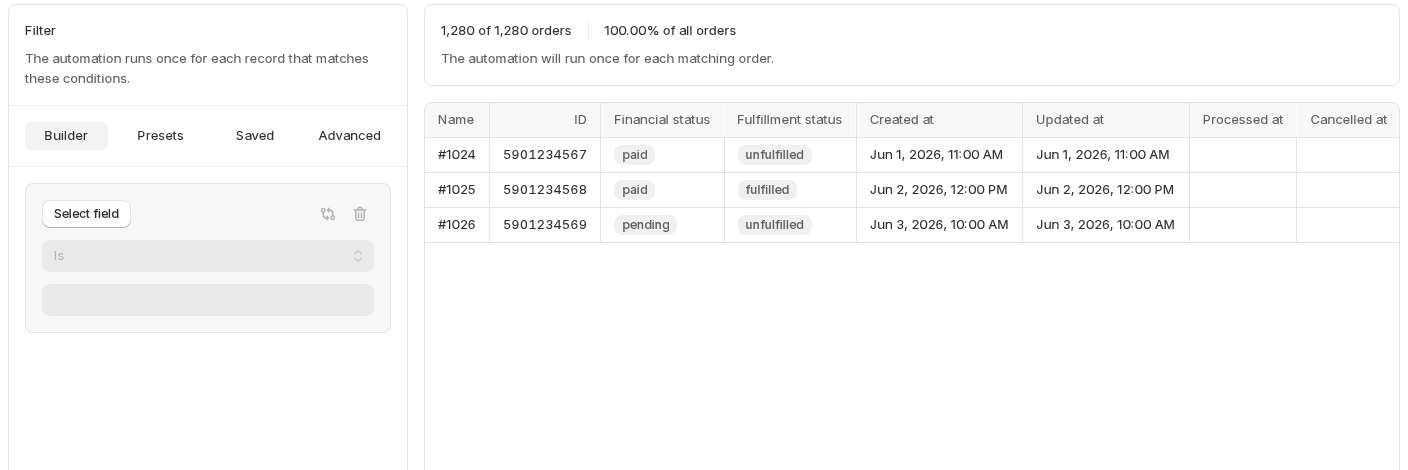
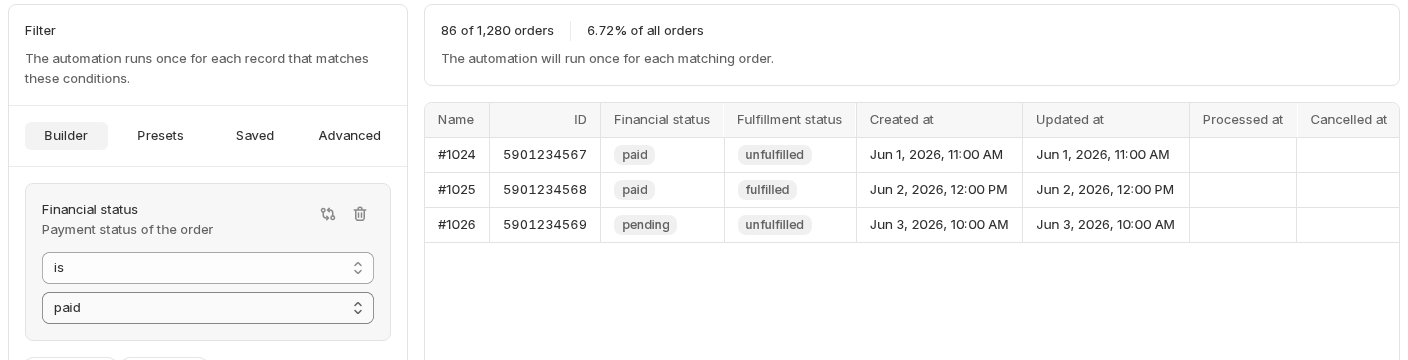
Optionally build or pick a saved filter to narrow down which records the run applies to. This uses the same filter builder as the trigger itself, you can start from the Builder, a preset, a saved filter, or the Advanced tab, and save whatever you land on for reuse. As soon as a condition is in place, the preview updates to show exactly how many records it would run against:
Once you're happy with the count, select Start run and confirm in the dialog. It tells you exactly how many times the automation will run, once per matching record, and reminds you that the run can't be stopped:
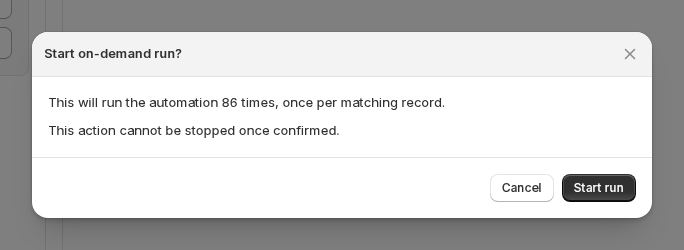
A run cannot be stopped once it's started, so it's worth narrowing your filter and checking the preview carefully, especially the matching count, before confirming.
What happens during a run
The automation runs once for every record that matched the filter at the moment you started it, exactly as if each one had just triggered the automation live. You can follow its progress from the automation's activity log, where each run appears as an "On demand run started" event together with the regular stream of webhook and automation events it produces.